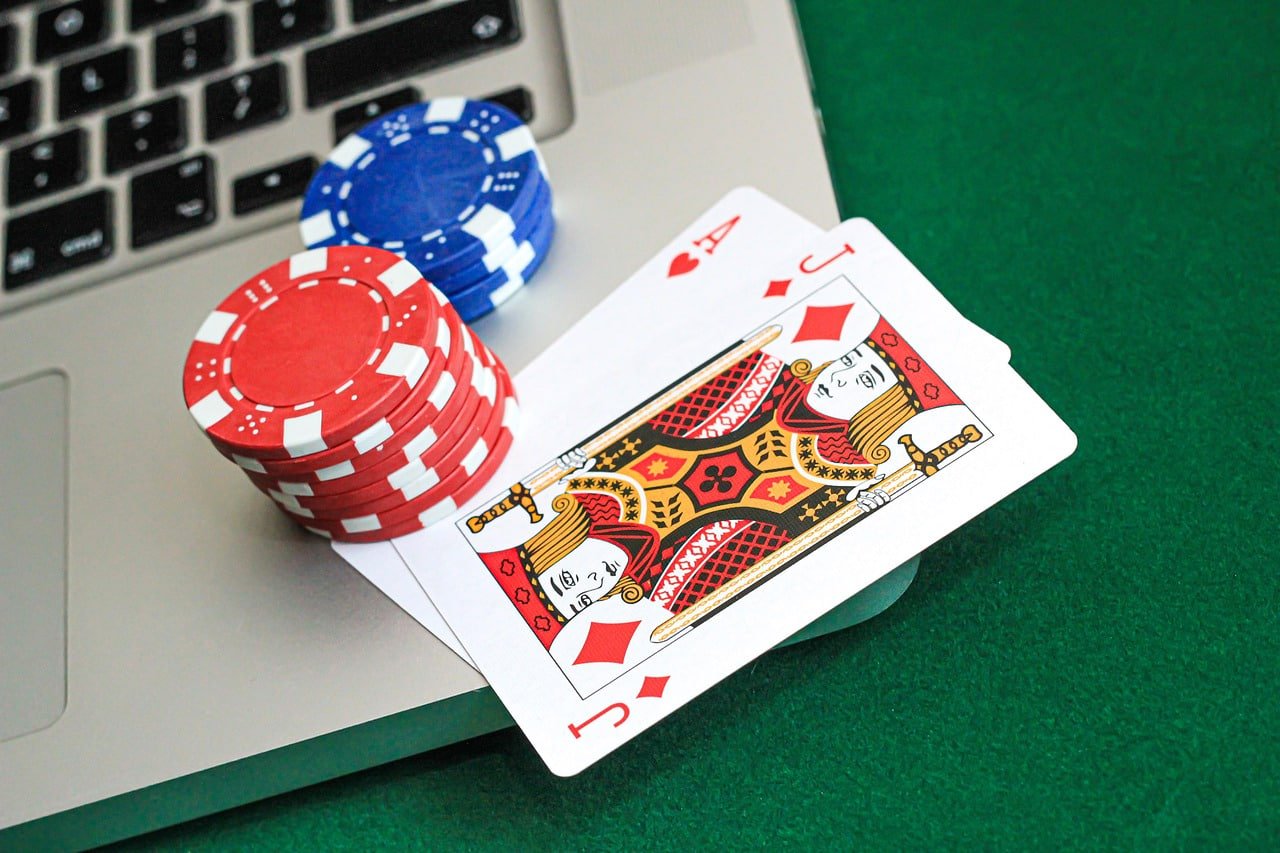
Available for Android and iOS, the waktogel app delivers a full gaming experience—Slots, Live Casino, lottery, and Sports Betting—right on your phone with lightweight and fast performance.
The waktogel app is available for Android and iOS
Choose the platform that suits your device and enjoy all features without limits
Download the APK file directly from the official waktogel website. No need to go through the Play Store—install directly, quickly, and easily.
IPhone and iPad users can access waktogel via a Safari browser optimized as a Progressive Web App—no additional installation required.
Access the full waktogel platform from your computer or laptop through your preferred browser. No features are removed compared to the desktop version.
Installing the waktogel app on Android is straightforward and takes around two minutes. Here are the steps:
Go to Settings on your Android phone, then look for "Install apps from unknown sources" or "Unknown Sources" and enable the permission for the browser you are using.
Visit the official waktogel site through your phone's browser, then tap the download APK button. The file will be saved automatically to your device's Downloads folder.
Once the download is complete, open the notification or use your File Manager to locate the waktogel APK file. Tap the file to begin the installation process.
The installation screen will appear showing the permissions the app requires. Tap "Install" and wait a few seconds for the process to complete.
The waktogel app is now on your phone's home screen. Open the app and log in with your existing account, or register a new one if you do not have one yet.
IOS users can enjoy waktogel just as easily, directly through Safari without needing to download from the App Store.
Use the built-in Safari browser on your iPhone or iPad. Type the official waktogel site address in the address bar and open the page.
At the bottom of the Safari screen, tap the "Share" icon (a box with an arrow pointing up). A sharing options menu will appear from the bottom of the screen.
Scroll down in the menu that appears and look for the "Add to Home Screen" option. Tap it and confirm with "Add".
The waktogel icon will now appear on your iPhone's home screen. Open it like any regular app and enjoy all platform features directly from there.
The clean and intuitive interface of the waktogel app
The waktogel app is not just a mobile version of the website—it is a gaming experience redesigned for touchscreens
The waktogel app is optimized even for mid-range Android devices. Pages load quickly, menu transitions are smooth, and it stays light on RAM even after hours of use.
Get instant notifications on your phone when a new promotion is live, bet results are out, or funds arrive in your account. All notifications can be configured to your preference.
Log in to your waktogel account with just a touch of the fingerprint sensor or using Face ID. No need to retype your password every time you open the app.
The app's connection to the waktogel server is always encrypted with 256-bit SSL. Your login data, account information, and financial transactions are protected every session.
Stream Live Casino tables straight to your hands with adaptive video quality. A 4G connection is more than enough to enjoy live tables without noticeable buffering.
Deposits and withdrawals can be done directly from the waktogel app menu. All payment methods available on desktop are also available on the mobile version.
The battery saver mode in the waktogel app automatically reduces power consumption when your phone battery drops below 20%, so your session is not cut short.
The waktogel app automatically checks for and downloads updates in the background. You are always on the latest version without having to do anything manually.
Need help? The waktogel support team is available 24 hours directly within the app. No need to switch to a browser or search for a contact number separately.
Enjoy your favorite Live Casino and Slots directly from the waktogel app
Playing on an online platform used to mean sitting in front of a computer, but things have changed significantly. Most waktogel users now access the platform from their phones—during their commute, on a break, or relaxing at home before bed. That is why the waktogel development team puts serious focus on the mobile experience, rather than just piling features onto the desktop version and roughly squeezing them onto a small screen.
The waktogel app is not just a scaled-down website. Buttons are designed at a comfortable thumb-tap size, navigation is flat and direct with minimal layers, and the layout automatically adjusts to screen orientation. When you rotate your phone to landscape mode while playing slots, the display adapts to give you a wider view.
These small details are often overlooked by other platforms, but the waktogel team takes them seriously. Because a comfortable in-hand gaming experience directly affects satisfaction and session length.
Not all waktogel users have access to a stable WiFi network. The app is optimized to run on both 4G and 3G connections with efficient data usage. Images and assets load adaptively—resolution adjusts to the detected connection speed rather than forcing high-resolution downloads that drain your data quota.
For Live Casino, adaptive video compression technology ensures streaming continues without interruption even when the signal drops to 3G. Image quality may decrease slightly and automatically, but the game never stops mid-session due to buffering.
A single waktogel account works across your phone, tablet, and desktop interchangeably. Betting history, balance, active promotions, and game favorites all sync in real time. Start playing on your phone while on the go, then pick up where you left off on your laptop at home—nothing gets left behind.
The waktogel security system also detects logins from new devices and sends a verification notification. If that login was not made by you, access can be immediately blocked from a trusted device through the account settings menu.
One clear advantage of the waktogel app over opening a browser is how easy transactions are. The deposit and withdrawal menus are right on the main page with clear icons. Select your payment method—bank transfer, GoPay, OVO, DANA, ShopeePay, or QRIS—enter the amount, confirm, and you're done. The process is not much different from a regular money transfer you already do every day.
Withdrawals on the waktogel app are processed through a fast verification system. Once a request is submitted, the finance team handles the withdrawal and the funds are credited to your account within the designated timeframe—no need to keep contacting customer support.
The waktogel technical team releases regular app updates to improve performance, add new features, and ensure compatibility with the latest Android and iOS versions. Updates download automatically in the background when your phone is connected to WiFi, so they do not use your mobile data.
Every waktogel app update goes through thorough testing before being released to the public. This ensures that updates do not introduce new bugs or disrupt features that were already working properly.

Android: version 6.0 or above, minimum 2GB RAM, 50MB free storage space.
iOS: iPhone running iOS 13 or later. Use Safari for the best experience.
| Specifications | Android | IOS |
|---|---|---|
| Minimum Version | Android 6.0 | IOS 13.0 |
| Download Size | ~28 MB | Via Browser |
| Minimum RAM | 2 GB | 2 GB |
| Push Notifications | ||
| Biometric Login | ||
| Live Casino | ||
| Deposit & Withdrawal | ||
| Automatic Updates |
The waktogel APK file is only available from the official site and has gone through thorough security scanning. Always download from the official source to avoid security risks.
Easy deposit and withdrawal transactions directly from the waktogel app
Answers to the most frequently asked questions from new users
Register now and download the waktogel app to start your real gaming experience—anytime, anywhere, right from your phone.